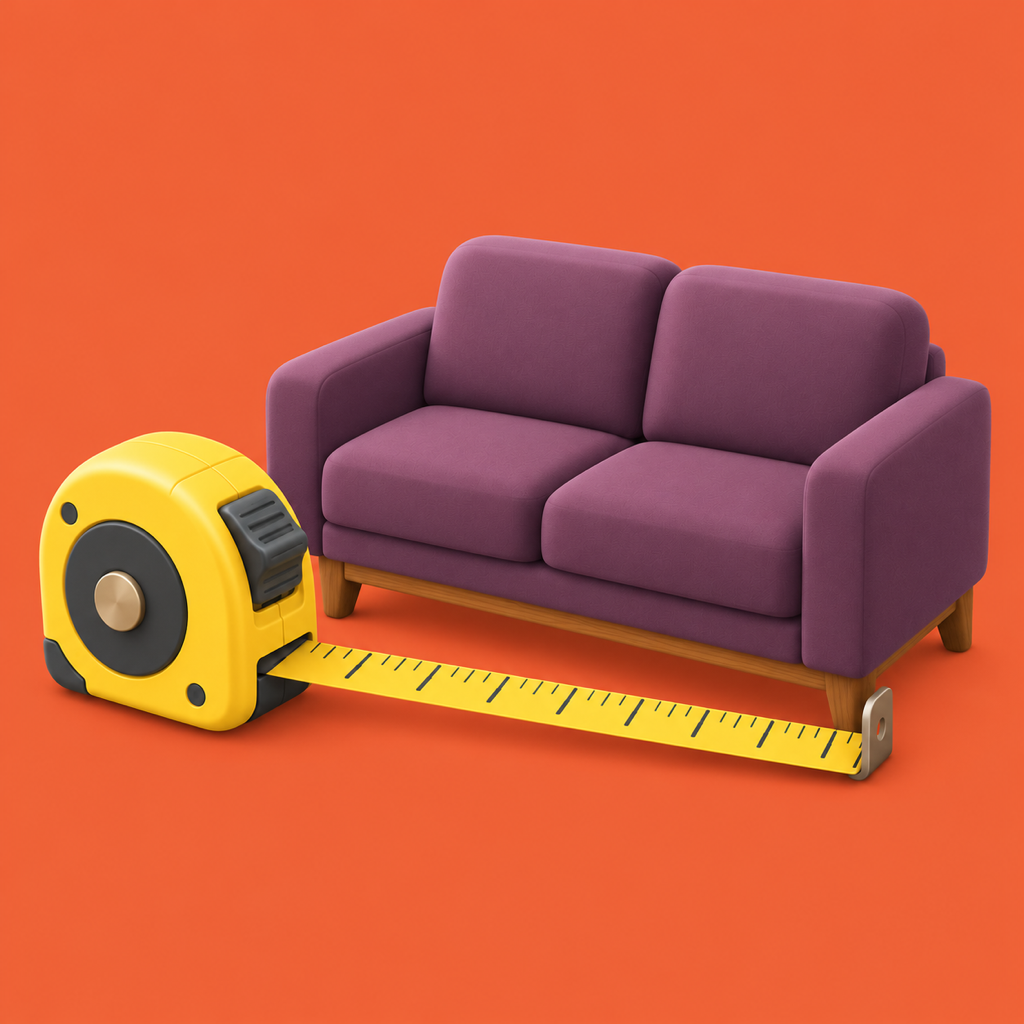
See it redrawn.Check it fits.
Photograph a small room, balcony or yard, type its real size, pick a style. Then check on a true-to-scale plan that the furniture really fits.


How it works
Three steps from photo to plan
Photograph it.
Stand in the doorway and keep the phone upright so both walls and the window show.
Type its real size.
Enter the room size and mark where the door is. Pick a style and tap Draw it.
Check it fits.
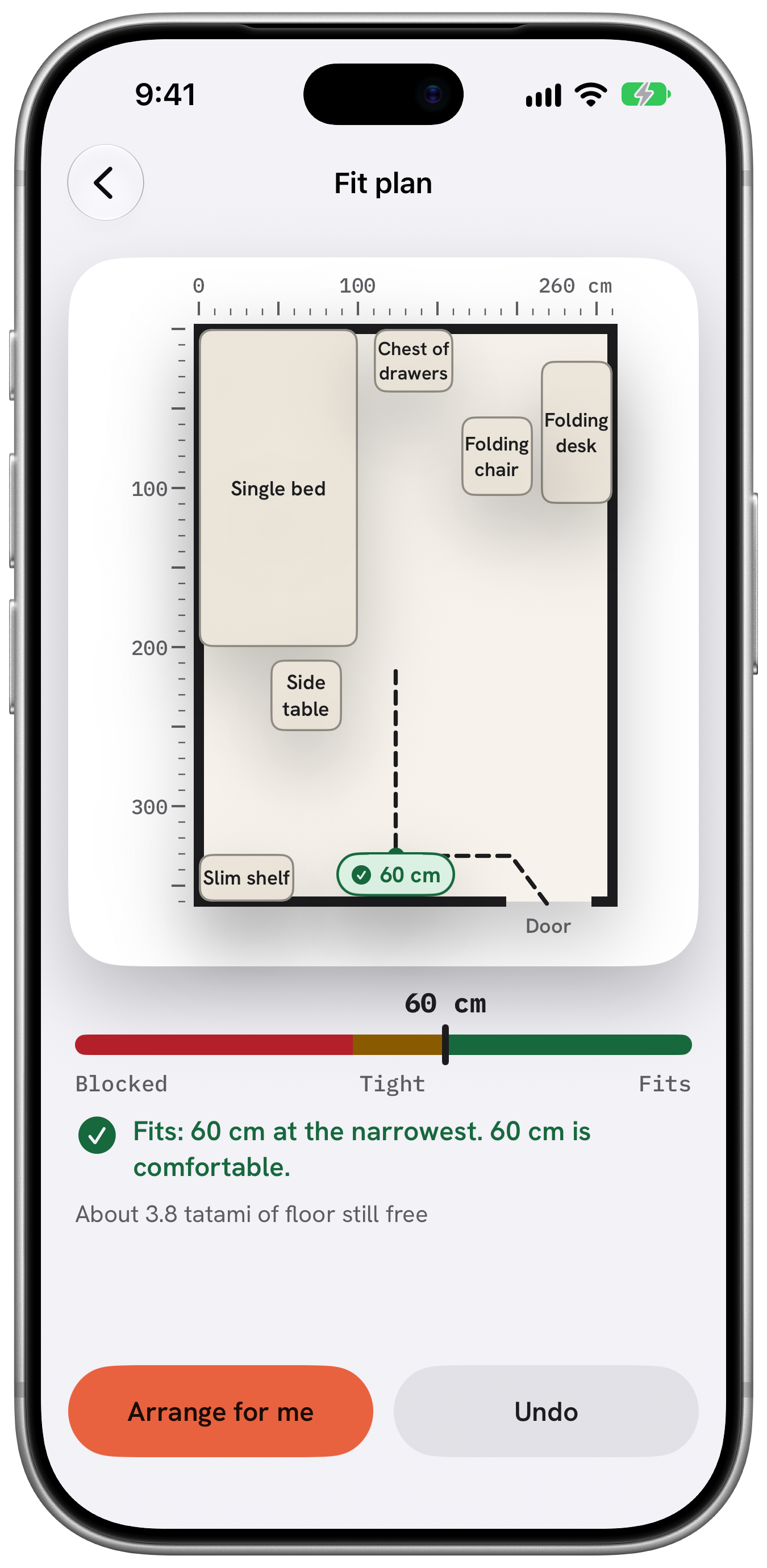
Open the plan, drag pieces around and read the walking width.
What makes it different
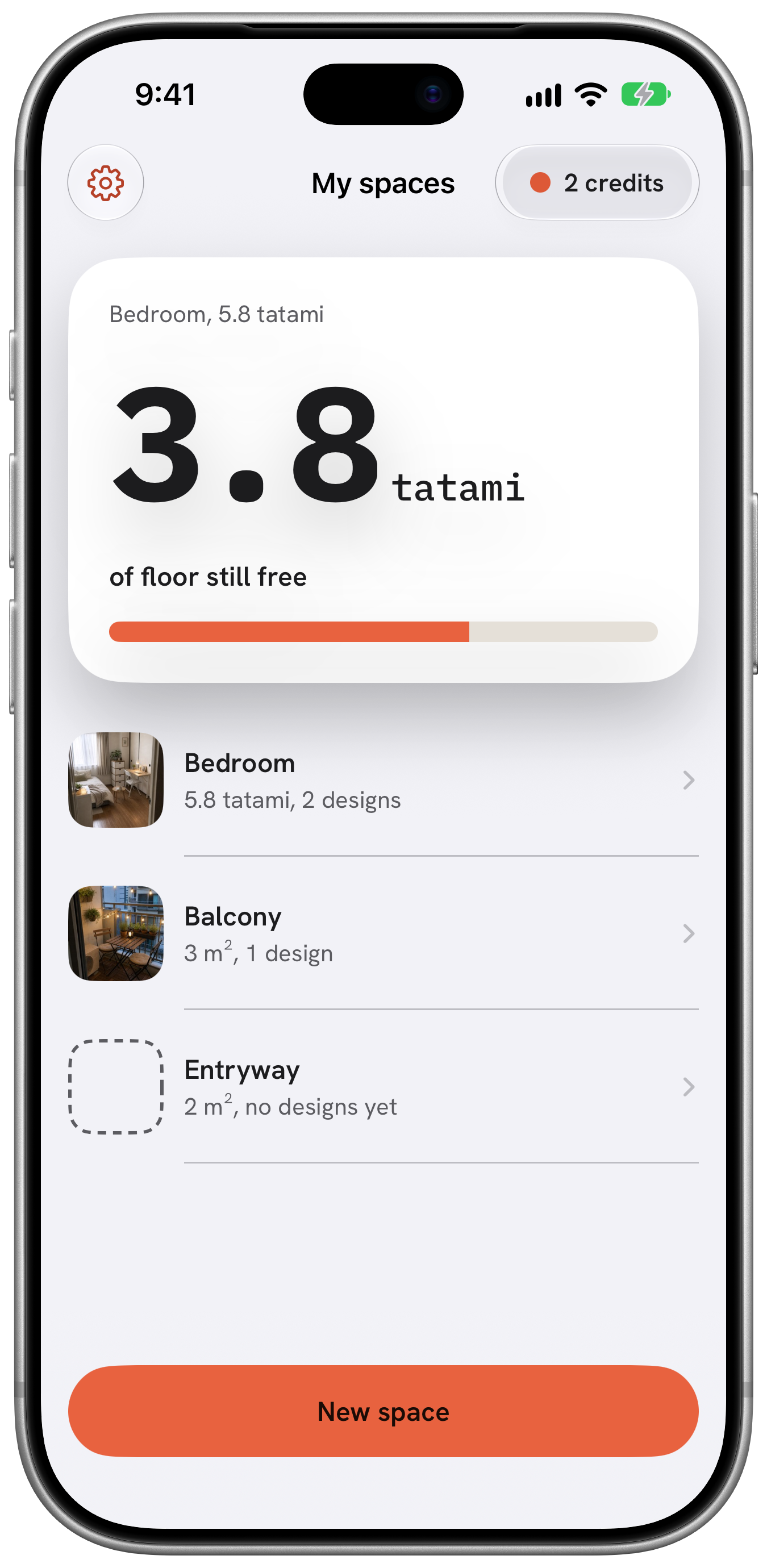
A redraw you can measure
Walls and window stay put
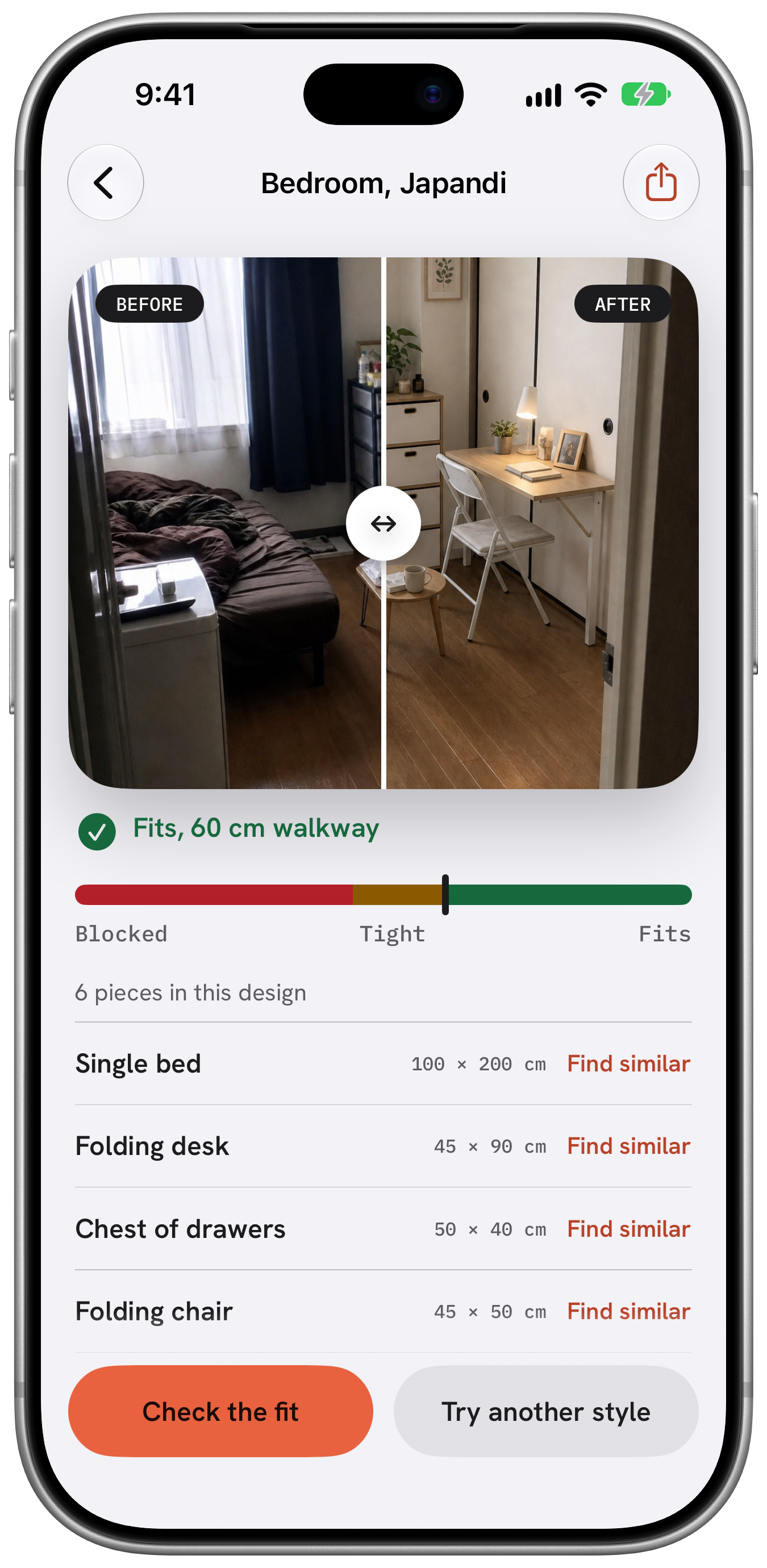
The new picture keeps your room as it is. Only the furniture and styling change.
A piece list with sizes
Every picture comes with a list of the furniture in it and the size of each piece.
A true-to-scale plan
The plan shows the walking width as Fits, Tight or Blocked. You can drag pieces to try other layouts.
Walking width
60cm
Fits
Sizes
Use the unit you think in
m²tatamipyeongft²
Styles
Seven room styles, plus balcony styles
ScandinavianJapandiWashitsuSeoul one-roomCozy woodMid-centuryMinimal
No account.
No ads.
No tracking.